How do I check in/out (punch in/out) when I start/end my shift?
You are asked to check in and check out (punch in/out) when you start/end your shifts, as well as for the breaks in between.
Here’s why:
As required by German law, once an employee has worked over 6 hours, they are asked to take a 30-minute break. This break is accounted for in Quinyx - the payslip will show the number of hours you’ve worked minus the 30-minute break. In order to get the correct number of hours on your Quinyx, it is highly suggested to punch out before the break and punch in after the break.
Here is how:
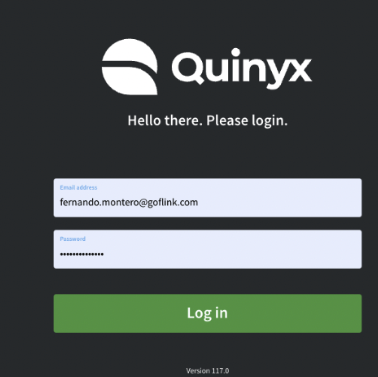
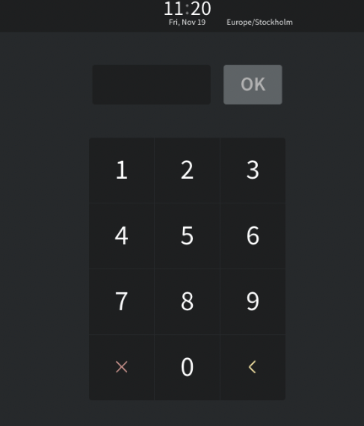
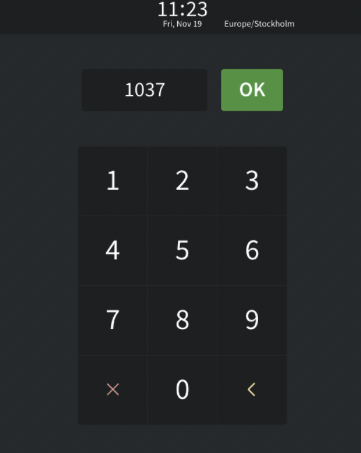
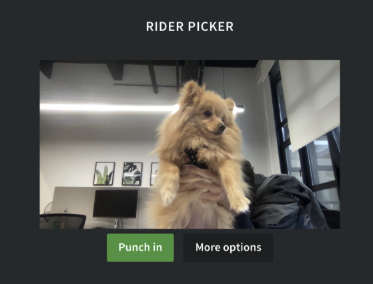
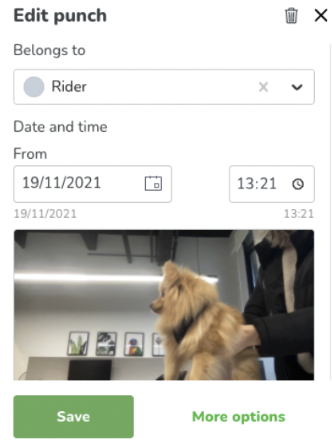
Additional info:
- We currently have configured web punching (mobile is disabled)
- The photo requested (for compliance reasons) will be automatically deleted after 65 days, in order to support any disputes for payroll
- Each employee uses its employee number (visible in My Page in Quinyx app, under your name).
- Warnings will be displayed if you are late or your shift is not-scheduled (and will be visible in your manager’s schedule too)